

The short answer: This Ring Wired Pro 4K manual covers hardwired and plug-in adapter installation, Ring app pairing, and chime configuration for your Ring Wired Video Doorbell Pro in around 30 minutes, plus fixes for the wiring, power, and Wi-Fi problems UK buyers run into most.
Table of Contents
Quick Summary
| Step | What You Do | Time Needed |
|---|---|---|
| 1 | Turn off power at the breaker | 2 minutes |
| 2 | Remove your existing doorbell | 5 minutes |
| 3 | Drill anchors (brick, stucco, concrete only) | 10 minutes |
| 4 | Connect the wires to the terminals | 5 minutes |
| 5 | Mount the doorbell and restore power | 5 minutes |
| 6 | Set up in the Ring app and configure chime | 5 minutes |
Official Ring Wired Pro 4K Manual
Ring publishes the full official Wired Video Doorbell Pro installation guide and downloadable PDF manual on their support site, alongside the complete list of Ring device manuals. This page covers the same setup and troubleshooting steps in plain English, with UK-specific notes on transformer voltage and wiring.
If you haven't bought yours yet, the Ring Wired Video Doorbell Pro is Ring's flagship model, with Retinal 4K video, 10x zoom, and radar-based 3D Motion Detection. For the full breakdown of video quality, subscription costs, and how it compares to the Ring Battery Plus, see our complete Ring Wired Pro 4K review.
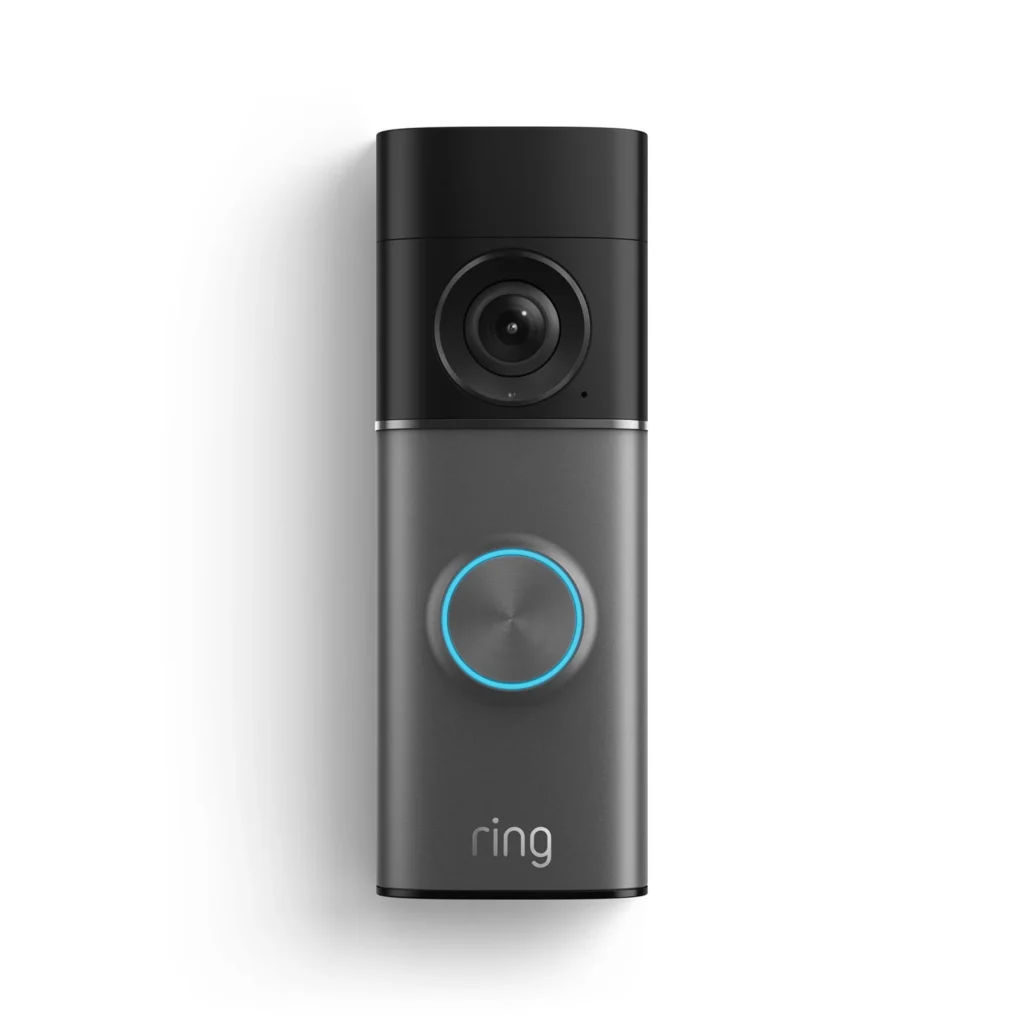
Ring Wired Pro 4K Setup — Step by Step
Ring wired pro 4k setup is a genuine electrical installation, not a wire-free click-and-go job — this is the trade-off for the permanent power that unlocks the doorbell's full feature set. Ring recommends professional installation if you're not confident working with mains-adjacent wiring, and UK building regulations may require this in some cases.
Step 1: Turn off power at the breaker Disconnect power to the installation area at your circuit breaker or fuse box before touching any wires. This is not optional — always use caution when handling electrical wiring, and consult a qualified electrician if you have any doubts.
Step 2: Remove your existing doorbell Take down your old doorbell and disconnect the wires, keeping them accessible rather than letting them fall back inside the wall.
Step 3: Check your transformer and chime compatibility The Ring Wired Pro requires a transformer outputting 16–24V AC. Many older UK doorbell circuits run at 8V or 12V, which won't be sufficient — check your existing transformer's rating before proceeding, and budget for a replacement transformer if needed. If you're hardwiring to or bypassing an existing in-home chime, follow Ring's separate guide for installing the Pro Power Kit.
Step 4: Drill anchor holes if needed On brick, stucco, or concrete, use the supplied drill bit to drill two holes and install the wall anchors. On wood or siding, skip this step entirely — screw straight in.
Step 5: Connect the wires Attach your existing doorbell wires to the two terminal screws on the back of the unit — polarity doesn't matter, either wire can go into either terminal. Tighten the terminals properly with a screwdriver. If your existing wires are too short to reach, use the included wire extenders and wire nuts to lengthen them.
Step 6: Mount and restore power Feed any excess wiring and wire nuts back into the wall, secure the doorbell to the mounting plate with the included screws, reattach the faceplate, and tighten the security screw with the star-shaped end of the included screwdriver. Restore power at the breaker.
Ring Wired Pro 4K Installation — Hardwired vs Plug-In Adapter
The Wired Pro is genuinely wired-only — there's no battery option — but you have two ways to power it depending on what's available at your door.
Hardwired to existing doorbell wiring:
- The standard installation method if you're replacing an older wired doorbell.
- Requires a 16–24V AC transformer — a common upgrade point for UK homes with older 8V or 12V circuits.
- Unlocks the doorbell's full permanent-power feature set with no battery maintenance required.
Plug-In Adapter (sold separately):
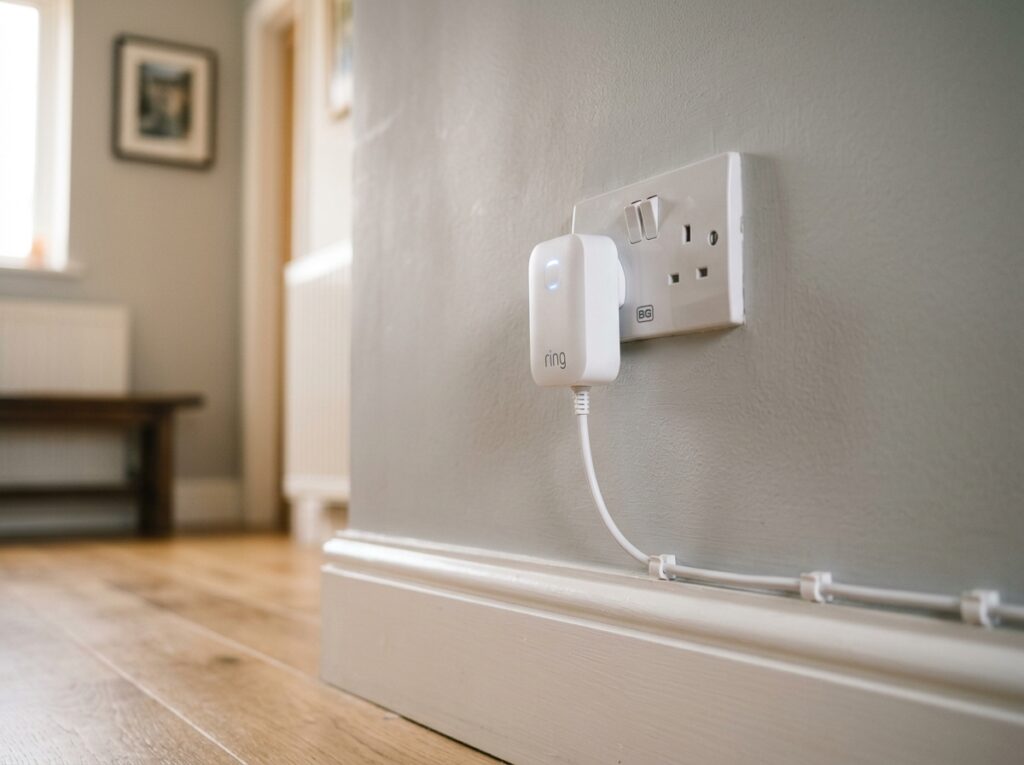
- Lets you power the doorbell from a standard indoor UK socket if you don't have existing doorbell wiring at all.
- Connect the adapter cables to the two terminal screws on the back of the doorbell, exactly as you would with hardwired doorbell wires.
- If you're using this method, go into Chime Type settings in the Ring app and select No Chime or None, since there's no existing chime circuit involved.
- If you don't have wiring and don't want to run a plug-in adapter cable, see our guide to installing a video doorbell without existing wiring for battery-powered alternatives instead.
Ring Wired Pro 4K Troubleshooting
Most ring wired pro 4k troubleshooting issues come down to transformer voltage, chime configuration, or Wi-Fi band selection.
Doorbell won't power on after installation:
- Confirm your transformer outputs 16–24V AC — if your existing UK doorbell circuit runs at 8V or 12V, it doesn't have enough power for the Wired Pro and needs replacing.
- Double-check the breaker was switched back on after wiring.
- Confirm both wires are firmly connected and tightened at the terminal screws — a loose connection is a common cause of intermittent power.
Existing chime doesn't ring:
- Check the Chime Type setting in the Ring app matches your actual setup — Mechanical, Digital, or No Chime/None if you're using the Plug-In Adapter.
- If you're hardwiring to bypass an existing chime, confirm you followed Ring's Pro Power Kit guide correctly, since bypassing incorrectly can leave the chime circuit unpowered.
Doorbell won't connect during setup:
- Open the Ring app, select Set Up a Device, and follow the in-app instructions — this handles Wi-Fi pairing automatically once the doorbell has power.
- The Wired Pro supports both 2.4GHz and 5GHz Wi-Fi. If your router struggles with band-steering on a combined SSID, try temporarily splitting the bands during setup, then reconnect afterward.
- Move your router closer if the signal is weak — see our full guide to fixing video doorbell WiFi signal problems for extender recommendations.
No live view or recordings without a subscription:
- This is expected behaviour, not a fault. Without Ring Protect, you get live view and instant motion alerts only — video history, snapshot capture, and Bird's Eye View history all require a Ring Protect subscription from £4.99/month.
Video quality looks lower than expected:
- Confirm you're viewing at full resolution — the app may default to a lower-bandwidth stream on a weak connection. Check your Wi-Fi signal strength where the doorbell is mounted.
Ring Wired Pro 4K Power and Wiring Notes
Because the Wired Pro has no battery, there's no charging schedule to think about — but getting the power source right at installation matters more than on any battery doorbell in our Manuals section.
Key wiring facts:
- Required voltage: 16–24V AC. This is the single most common installation blocker for UK buyers upgrading from an older doorbell circuit.
- Polarity doesn't matter at the doorbell terminals — either wire can connect to either screw.
- If existing wires are too short, use the included wire extenders and wire nuts rather than trying to stretch the original wiring.
- Ring recommends professional installation for hardwired setups if you're not experienced with electrical work — UK building regulations may also require this depending on the scope of work.
Frequently Asked Questions
Does the Ring Wired Pro 4K need a subscription? Not for basic use — live view and instant motion alerts work without one. Ring Protect (from £4.99/month) unlocks video history, snapshot capture, and Bird's Eye View history. See our no subscription doorbells guide if you'd prefer to avoid a monthly fee entirely.
Can I install the Ring Wired Pro 4K without existing doorbell wiring? Yes, using the Ring Plug-In Adapter (sold separately) from a standard indoor socket. Remember to set Chime Type to No Chime/None in the app when using this method.
What voltage transformer does the Ring Wired Pro 4K need? 16–24V AC. Many older UK doorbell circuits run at 8V or 12V and will need a transformer upgrade before installation.
Does the Ring Wired Pro 4K support 5GHz Wi-Fi? Yes — it's dual-band, supporting both 2.4GHz and 5GHz networks, which is an upgrade over most battery-powered Ring models.
Is the Ring Wired Pro 4K IP rated? Ring describes it as weather resistant but does not publish an official IP rating — this follows Ring's general practice across its doorbell range.
Do I need an electrician to install the Ring Wired Pro 4K? Not necessarily, but Ring recommends professional installation for hardwired setups, and UK building regulations may require it depending on the work involved. If you're not confident working with electrical wiring, consult a qualified electrician.
For the full verdict on video quality, 3D Motion Detection, and how the Wired Pro compares to the Ring Battery Doorbell Plus and Eufy E340, read our complete Ring Wired Pro 4K review.
As an Amazon Associate, we earn from qualifying purchases at no extra cost to you. Prices correct at time of writing and verified on Amazon UK. Some images on this site are AI-generated and may not reflect the exact appearance of the products described.