

The short answer: The Eufy E340 manual covers battery and hardwired setup, dual-camera pairing, and the most common troubleshooting fixes — this guide summarises everything from Eufy's official documentation in one place, plus links to our full review.
Table of Contents
Quick Summary
| Detail | Info |
|---|---|
| Model | Eufy Security Video Doorbell E340 (T8214) |
| Power options | Battery or hardwired (existing doorbell wiring) |
| Resolution | 2K Full HD, dual cameras |
| App | eufy Security app |
| Official manual | eufy Support Center |
| Full review | Eufy E340 Review |
Official Eufy E340 Manual
Eufy publishes the full official user guide directly on their support site: Video Doorbell E340 User Guide. That's the authoritative source for wiring diagrams, exact button layouts, and regulatory information — always check it if you're doing anything electrical.
This page is a practical companion to that manual: a faster route to the steps most UK owners actually need, written in plain English, with links back to our full Eufy E340 review if you're still deciding whether to buy one.
Eufy E340 Setup — Step by Step
Setting up the E340 takes most people under 15 minutes if the battery is already charged. Here's the general flow:
- Charge the battery first. Even if you're planning to hardwire it, Eufy recommends a full charge before the first setup — this avoids the doorbell losing power mid-configuration.
- Download the eufy Security app and create an account (or sign in if you already have one from another Eufy device).
- Add the device — tap the "+" button in the app, select Video Doorbell E340 from the list, and scan the QR code on the back of the unit.
- Connect to Wi-Fi. The E340 works independently on your home router or paired with a eufy HomeBase for local video storage — decide which setup you want before this step, since switching later means re-pairing.
- Mount the bracket at your chosen height, ideally around 1.2–1.4 metres from the ground for the best head-to-toe framing.
- Attach the doorbell to the bracket until it clicks into place.
- Test the ring and motion alerts from the app before you close everything up — it's much easier to adjust the angle now than after final mounting.
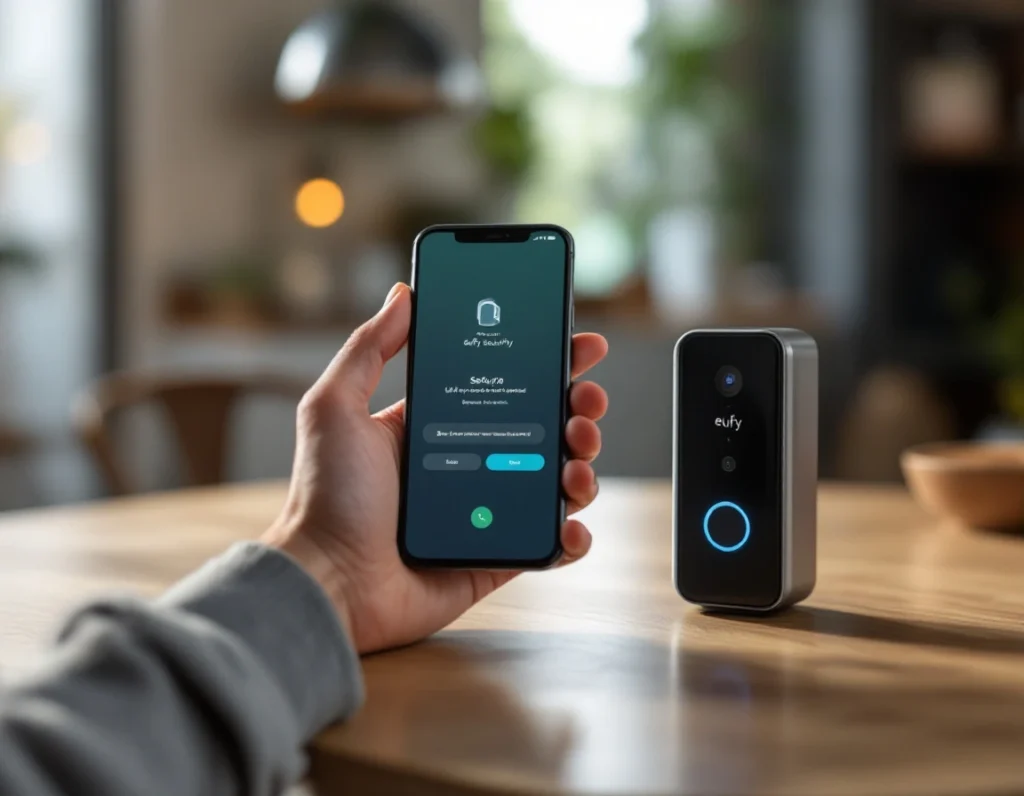
Eufy E340 Installation — Wiring vs Battery
The E340 supports both power methods, and which one you pick changes a few setup details.
Battery-powered installation is the simpler route — no electrical work, and you can mount the doorbell anywhere within Wi-Fi range. The trade-off is periodic recharging, typically every few weeks depending on how much motion your porch sees. If your home doesn't already have doorbell wiring, this is the only realistic option — see our guide on installing a video doorbell without existing wiring for a broader walkthrough.
Hardwired installation connects the E340 to your existing doorbell wires, which keeps the battery continuously topped up. You'll need to switch off the circuit breaker before connecting anything, attach the wires to the terminals on the back of the unit, then restore power. If your existing transformer's voltage doesn't match Eufy's requirements, you may need an electrician to check compatibility first — this is the same caution that applies to most wired doorbells, and worth doing properly rather than guessing.
Eufy E340 Troubleshooting
A few issues come up more than others with the E340. Here's how to work through them:
Doorbell won't connect to Wi-Fi. Move your router closer during setup if possible, and make sure you're connecting to a 2.4GHz network — most video doorbells, including the E340, don't support 5GHz for the initial pairing. If your signal is consistently weak at the front door, our guide on improving video doorbell Wi-Fi signal covers fixes beyond just moving the router.
Battery draining faster than expected. This is usually driven by motion sensitivity settings that are too aggressive, or a location that faces a busy street with constant triggering. Lowering sensitivity in the app settings, or narrowing the activity zone, often solves it without sacrificing security.
No notifications on your phone. Check that notifications are enabled both in the eufy Security app settings and in your phone's system-level app permissions — this is the most commonly missed step, since phones often silently disable notifications for apps after updates.
Video quality looks poor or laggy. This is almost always a bandwidth issue rather than a camera fault. Confirm your upload speed meets Eufy's recommended minimum, and check whether other devices on the network are competing for bandwidth during peak hours.
LED ring behaviour is confusing. The E340's status lights change colour and pattern depending on whether it's syncing, detecting motion, or in a call — if something looks off, a quick reference to the LED guide in the official manual clears up most confusion faster than trial and error.
Frequently Asked Questions
Does the Eufy E340 need a subscription? No. The E340 stores footage locally via microSD or an optional HomeBase, so there's no mandatory monthly fee — though cloud storage is available if you want it.
Can I use the Eufy E340 without a HomeBase? Yes, it works as a standalone device connected directly to your Wi-Fi. A HomeBase adds local video storage and can extend range, but it isn't required.
Is the Eufy E340 waterproof for UK weather? It's rated for outdoor use and built to handle rain, but avoid mounting it somewhere with direct, sustained water exposure — a slight overhang above the door is ideal.
How long does the battery last? Battery life varies with motion frequency, but most users report several weeks to a couple of months between charges under normal use.
Can two people use the app at the same time? Yes, the eufy Security app supports shared access, so household members can each get alerts and view live footage from their own phones.
What's the difference between the E340 and other Eufy doorbells? The E340 is a dual-camera model, giving both a standard front-facing view and a lower angle for packages — see our full E340 review for a detailed comparison against Eufy's other models.
As an Amazon Associate, we earn from qualifying purchases at no extra cost to you. Prices correct at time of writing and verified on Amazon UK. Some images on this site are AI-generated and may not reflect the exact appearance of the products described.